
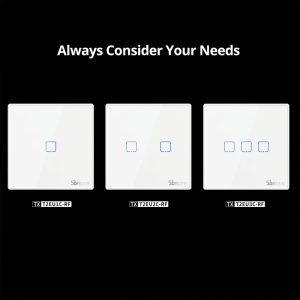
T2EU-RF – Wall Panel Sticky 433MHz Wireless RF Remote 1-3 Gang
£7.99 – £8.99
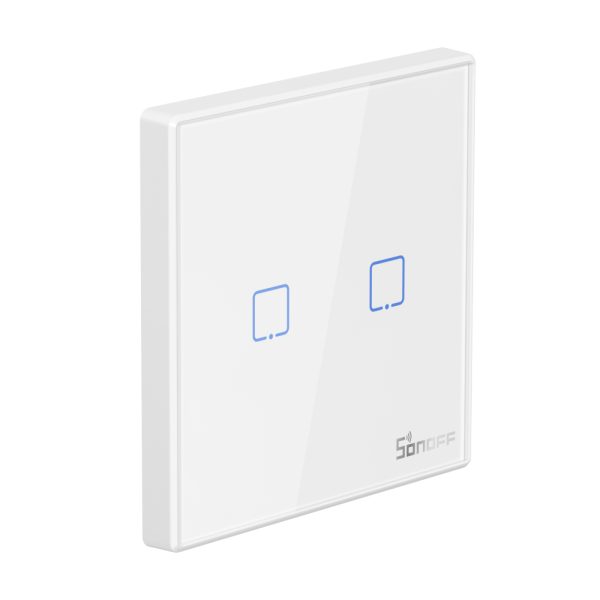
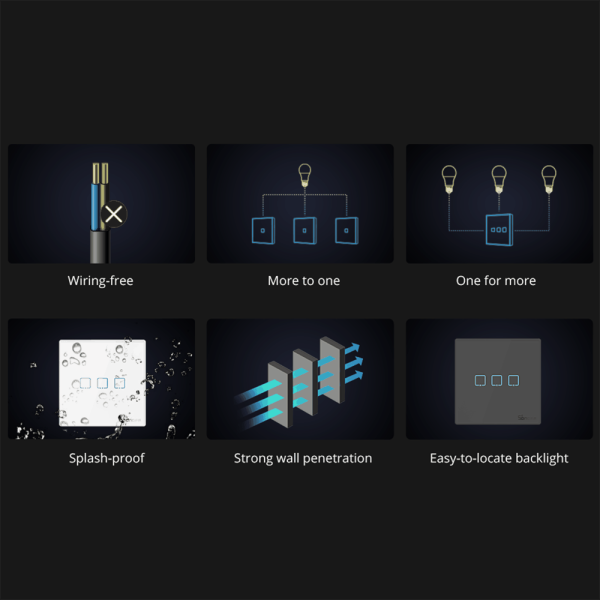
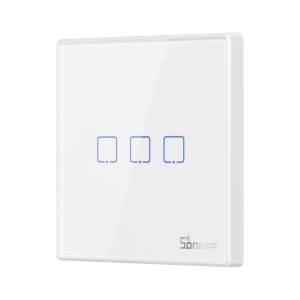
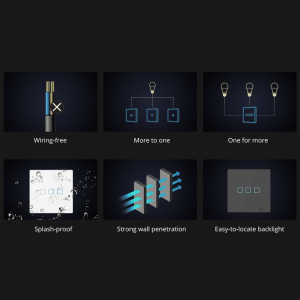
- Toughened glass panel and sensitive touch button
- Brightness-adjustable LED backlight
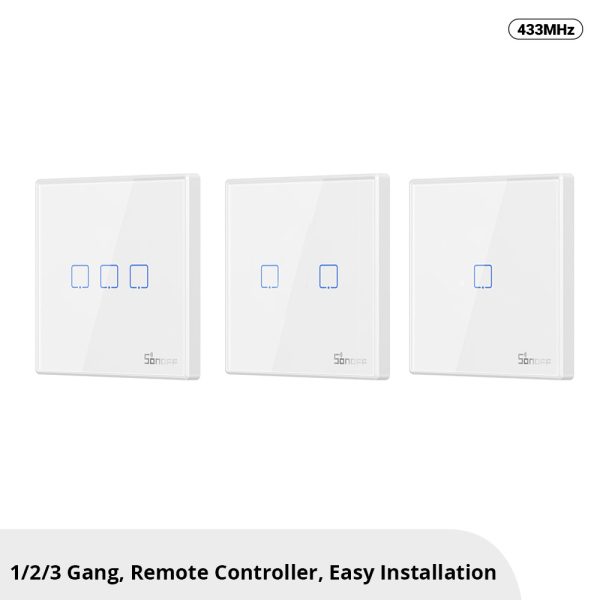
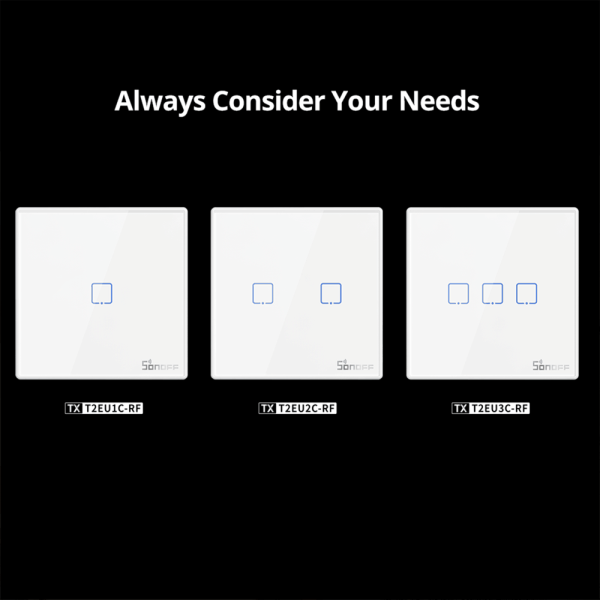
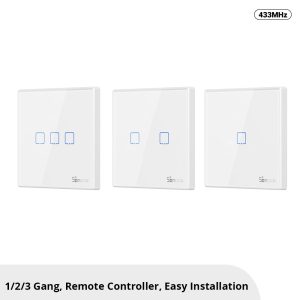
- Three options for you to choose, stick on to use, no wiring required
- Suitable for RF433MHz devices
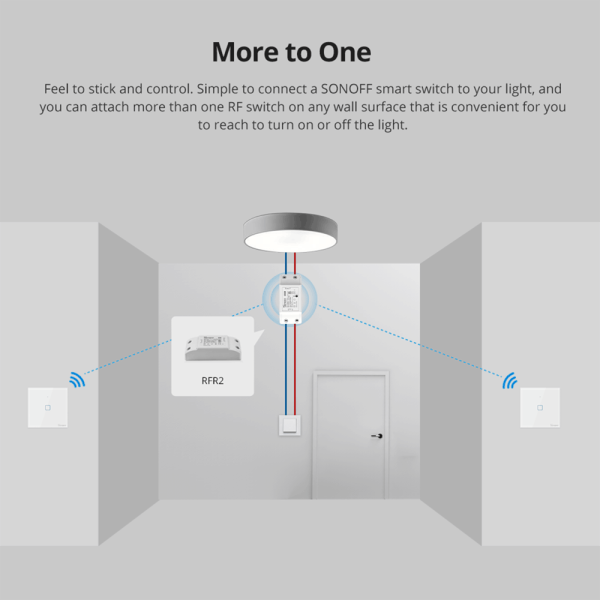
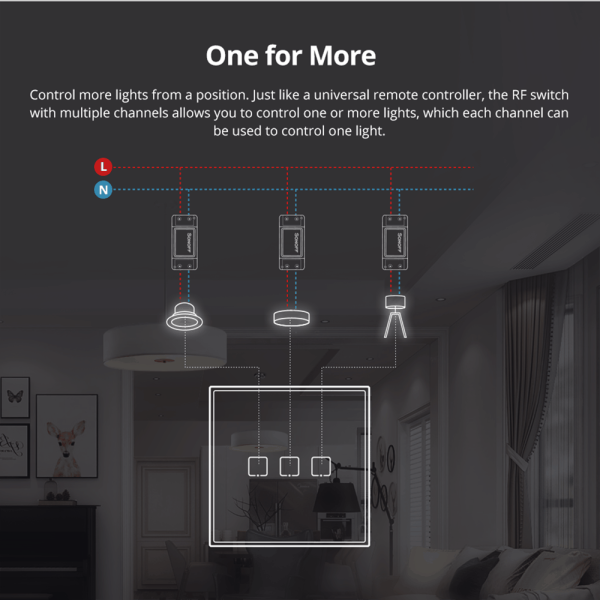
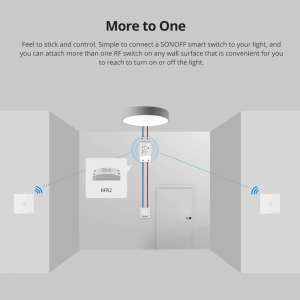
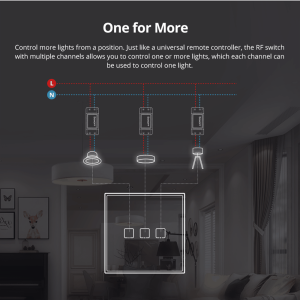
- Support one for multiple devices and multiple for one
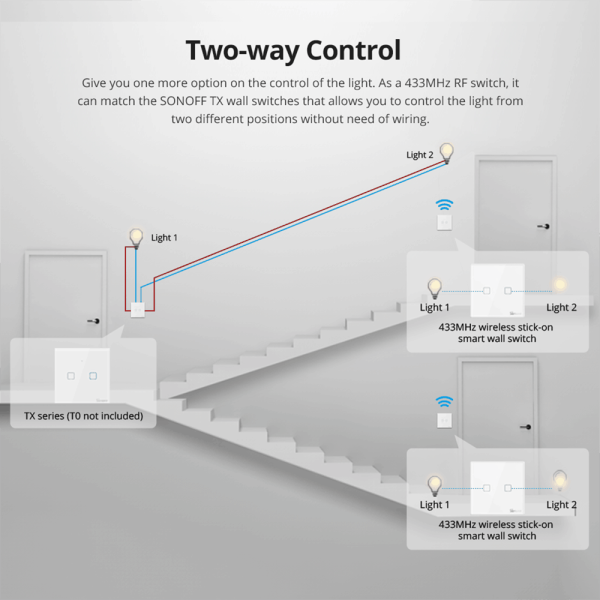
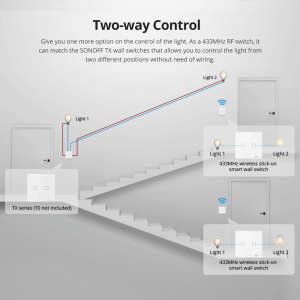
- Provide one more option on the control of the lights
- Powered by the battery
| Product Attributes |
|---|
Supported payment types:

Overview
Product Title:
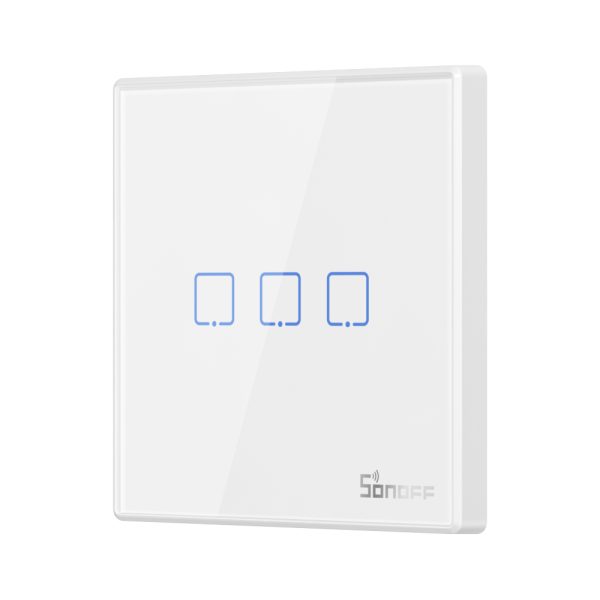
SONOFF T2EU-RF – Wall Panel Sticky 433MHz Wireless RF Remote 1-3 Gang
Product Description:
- The SONOFF T2EU-RF is a 433MHz wireless stick-on smart wall switch that is designed to look modern and artistic, similar to the best-selling TX series Wi-Fi Wall Smart Switch by SONOFF.
- This smart wall switch is actually a 433MHz remote controller that allows you to add remote control functionality to your lights without any complicated wiring. Simply stick it on your desired location and use it as a regular light switch.
- Available in 1/2/3-gang options, the SONOFF T2EU-RF remote controller allows you to control multiple lights or multiple SONOFF remote controllers for a light controlled. It can also be used to achieve two-way control when connected with SONOFF T1/T2/T3 wall switch.
- In addition to its compatibility with SONOFF T1/T2/T3 wall switch, it can also be used with SONOFF RFR2, 4CHPROR3 and SlampherR2 to provide you with another control option aside from app remote control and voice control.
- The touch button of this remote controller has a backlight that automatically adjusts its brightness based on the amount of energy it absorbs.
- This remote controller can be installed in three ways: stick-on, screw-on, and desk-top.
- The device only supports pairing on one button at a time. To pair, long press the touch button for 3 seconds until you hear a “beep” sound, then press the corresponding button on the RF remote controller. To clear a button, long press the touch button for 5 seconds until you hear two “beep” sounds, then press the corresponding button on the RF remote controller.
Documents:
Product Images:


Related Products
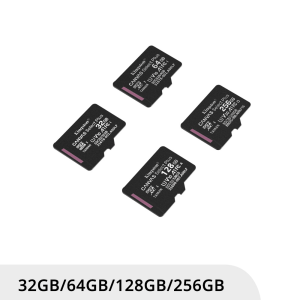
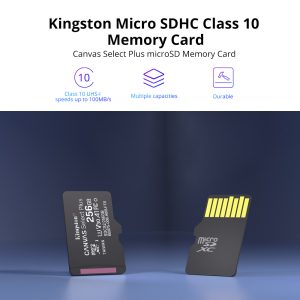
Kingston Micro SDHC Class 10 Memory Card
£6.00 – £36.90
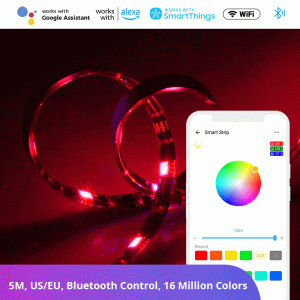
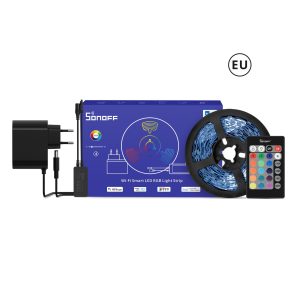
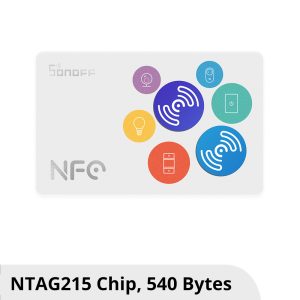
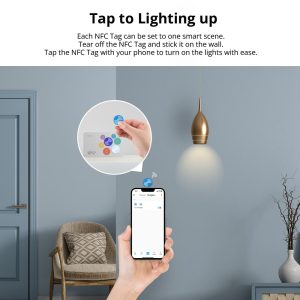
NFC Tag
£4.99 – £45.90
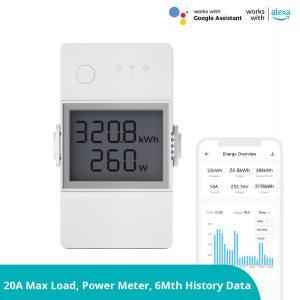
POW Elite Smart Power Meter Switch
£16.99 – £19.99